Why We Need SnagIt

Quick comparison for documentation & training efficiency
The Shift
With SnagIt
  • One-click capture — screen, window, or region
  • Built-in annotations — stamps, callouts, arrows
  • One-click PII/Classified Information redaction
  • Templates enforce consistency across all creators
  • 1 tool replaces entire workflow
Return on Investment
Estimated Savings
  • 5+ minutes saved per capture (8 min → 3 min)
  • 20 captures/week × 5 min = 100 min saved/week
  • Team of 5 → ~8 hours saved per week
  • Break-even in under 1 day of use
Quality Gains
  • Professional annotations replace ad-hoc markups
  • Instant updates — re-capture & re-annotate quickly
  • PII/Classified Information protection — blur tool ensures HIPAA/PII compliance before distribution
  • Faster reviews — clear visuals reduce back-and-forth
Before & After
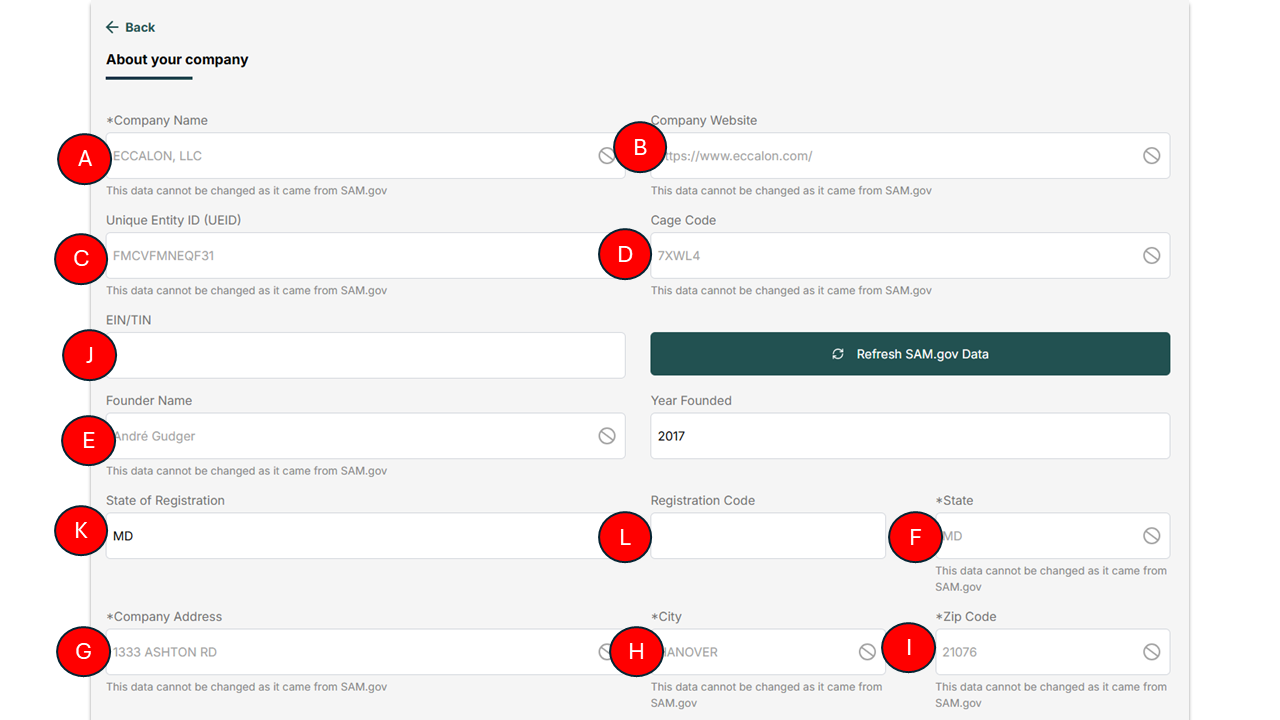
SnagIt comparison

Video Development Journey

From concept to delivery — understanding the evolution of video production
Three-Phase Breakdown
📝 Pre-Production
~30% of total effort
  • Scriptwriting & storyboarding
  • Location scouting & talent booking
  • Equipment planning & scheduling
  • Stakeholder reviews & approvals
🎥 Production
~25% of total effort
  • On-site filming with crew
  • Lighting & audio setup
  • Multiple takes & B-roll capture
  • Director oversight on every scene
✂ Post-Production
~45% of total effort
  • Video editing & color grading
  • Sound mixing & music licensing
  • Graphics & captions
  • Review cycles & final render
Video Production Timeline: 2001 → Today
📼
Around 2001
Turnaround
Weeks to months
Effort / 1-min
~40–80 hrs
💰 ~$2,000/min

Tape-based cameras, linear editing suites, physical media distribution. Every change meant re-recording entire segments.

HoursDaysWeeksMonths
Effort per 1-min video
80 hrs
2001
Traditional vs. AI-Powered
AspectTraditional VideoAI-Powered
Production Time4–8 weeks per videoMinutes to hours
Cost per Minute$1,000–$5,000+$15–$50
EquipmentCamera, lights, mics, studioBrowser only
TalentHire actors/presentersAI avatars (130+ languages)
UpdatesRe-shoot & re-editEdit script → re-render
LocalizationHire translators + re-recordToggle language → done
ConsistencyVaries by crew/takeBrand templates enforced
ScalabilityLinear cost increaseNear-zero marginal cost

Why We Need Synthesia

Comparing our current video pipeline vs. AI-powered avatar video creation
The Shift
With Synthesia
  • One platform replaces 6 tools
  • Type your script → AI avatar speaks with realistic lip sync
  • 130+ languages — toggle and re-render instantly
  • Built-in media library + upload your own B-roll
  • No coding required — browser-based, anyone can use it
  • Edit → re-render in minutes — no full pipeline rebuild
  • Brand templates enforce consistency across all videos
Return on Investment
Estimated Savings
  • 75 minutes saved per video (90 min → 15 min)
  • 3 videos/week × 75 min = 3.75 hours saved/week per creator
  • Team of 3 creators → ~11 hours saved per week
  • Eliminates Python/FFmpeg maintenance & debugging time
  • No more Azure TTS configuration or audio sync issues
Quality & Impact Gains
  • Professional AI avatars with natural lip sync replace static photos
  • Multilingual — same video in 130+ languages without re-recording
  • Instant updates — policy changes reflected in minutes, not hours
  • Brand consistency — templates ensure uniform look across all videos
  • Faster stakeholder reviews — rapid iteration on script changes
IBGDeck · SnagIt Value
Click to reveal · Double-click show all · Arrow keys navigate · T annotate · ESC exit